🚀 Popular Choice for Comfortable Work
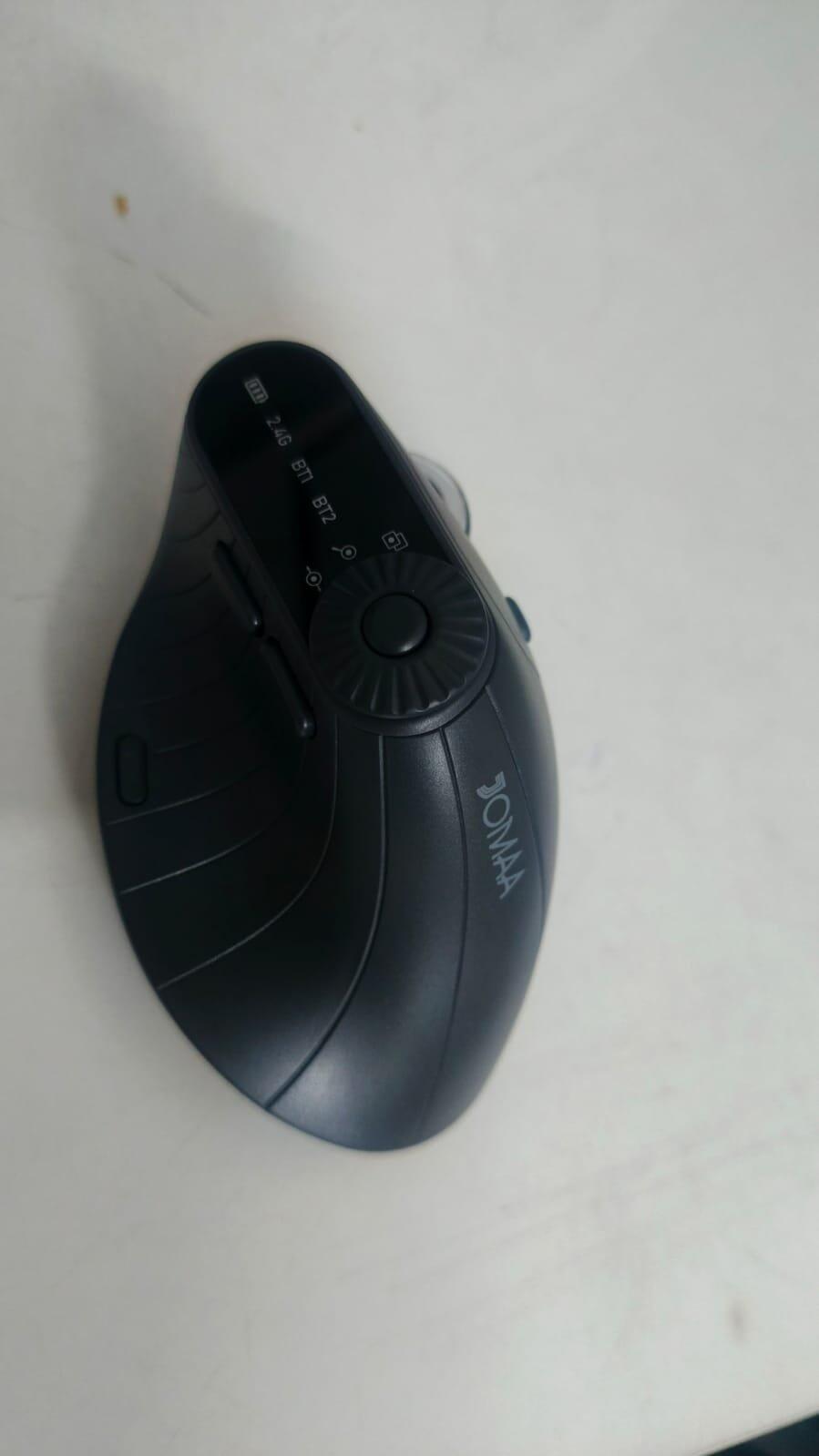
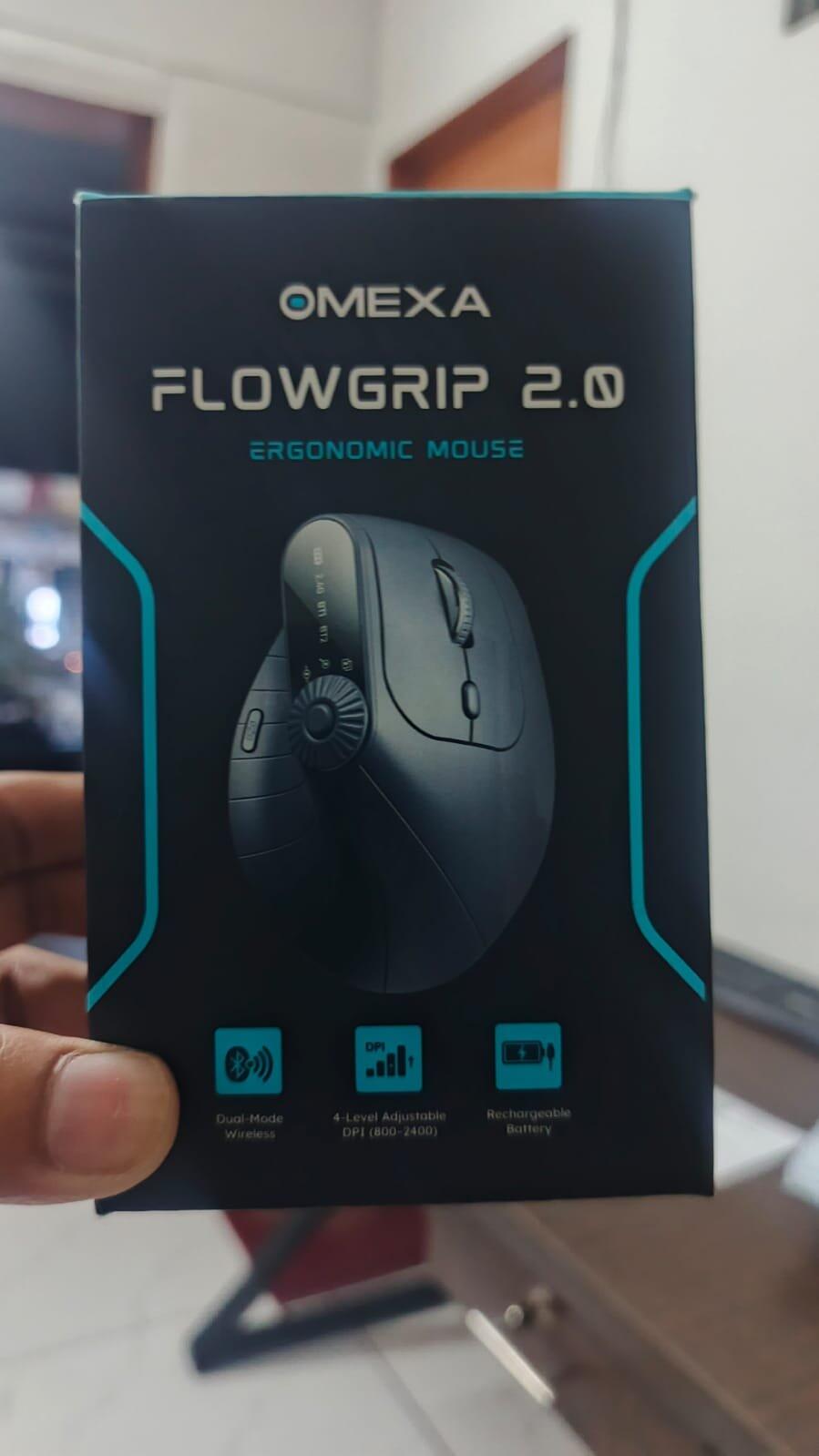
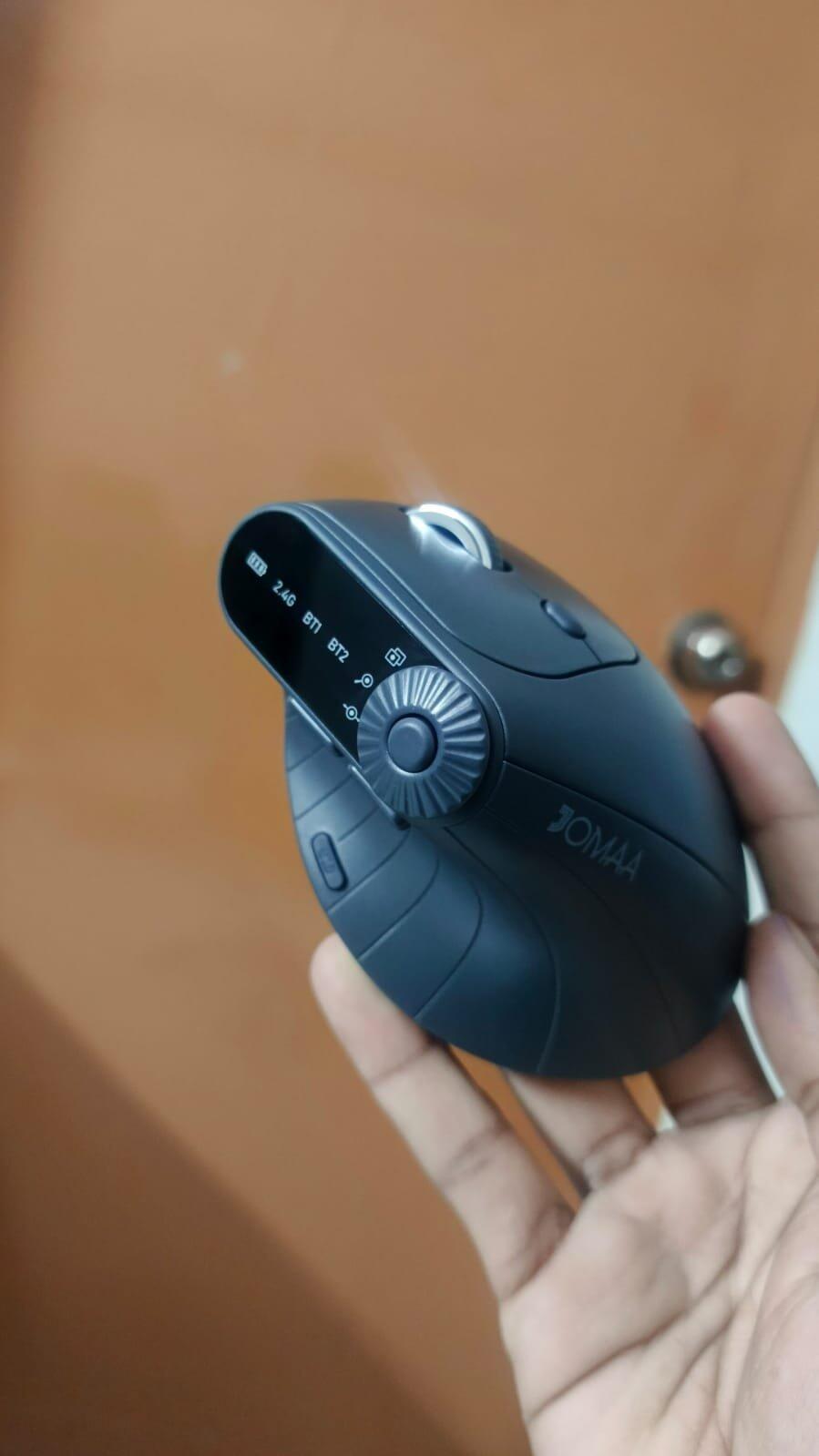
Omexa™ FlowGrip 2.0 - Vertical Erogonomic Mouse
Omexa™ FlowGrip 2.0 - Vertical Erogonomic Mouse
✓ Reduce Wrist Strain Natural hand position for comfortable long use.
✓ Precision Control Smooth and accurate cursor movement.
✓ Long Battery Life Work longer with fewer charges.
✓ Wide Compatibility Works with Windows, Mac, tablets and more.

Couldn't load pickup availability
💻 Compatibility
💻 Compatibility
Works with Windows, macOS & Linux.
Compatible with laptops, desktops & PCs.
🚚 Shipping And Returns
🚚 Shipping And Returns
🚚Fast And Reliable Delivery-order deliver within 1 to 3 days.
🔄Hassle-Free Returns- if you not satisfied, return it within 7 days.

Omexa™ FlowGrip 2.0 - Vertical Erogonomic Mouse


Work Smarter. Save Bigger.
Upgrade your entire desk setup and get an extra 10% OFF when you bundle both essentials together.


✨ Comfortable Work Starts Here ✨
Omexa™ FlowGrip 2.0 blends ergonomic comfort, silent clicks, and multi-device flexibility to deliver a smoother and more comfortable workflow every day.

Precision Control — Smooth Performance
Work with accuracy and confidence every day.
High Precision Sensor
– Smooth and accurate cursor movement
– Ideal for work, browsing, and design tasks
Responsive Scroll Wheel
– Precise scrolling through documents and pages
– Perfect for long spreadsheets and browsing
Side Navigation Buttons
– Quickly move forward and backward between pages
– Improves productivity during daily work
These Tech Giants Recommend this Mouse
Smart Features for Everyday Productivity
Built to make your daily workflow smoother, quieter, and more efficient.


Natural Ergonomic Angle
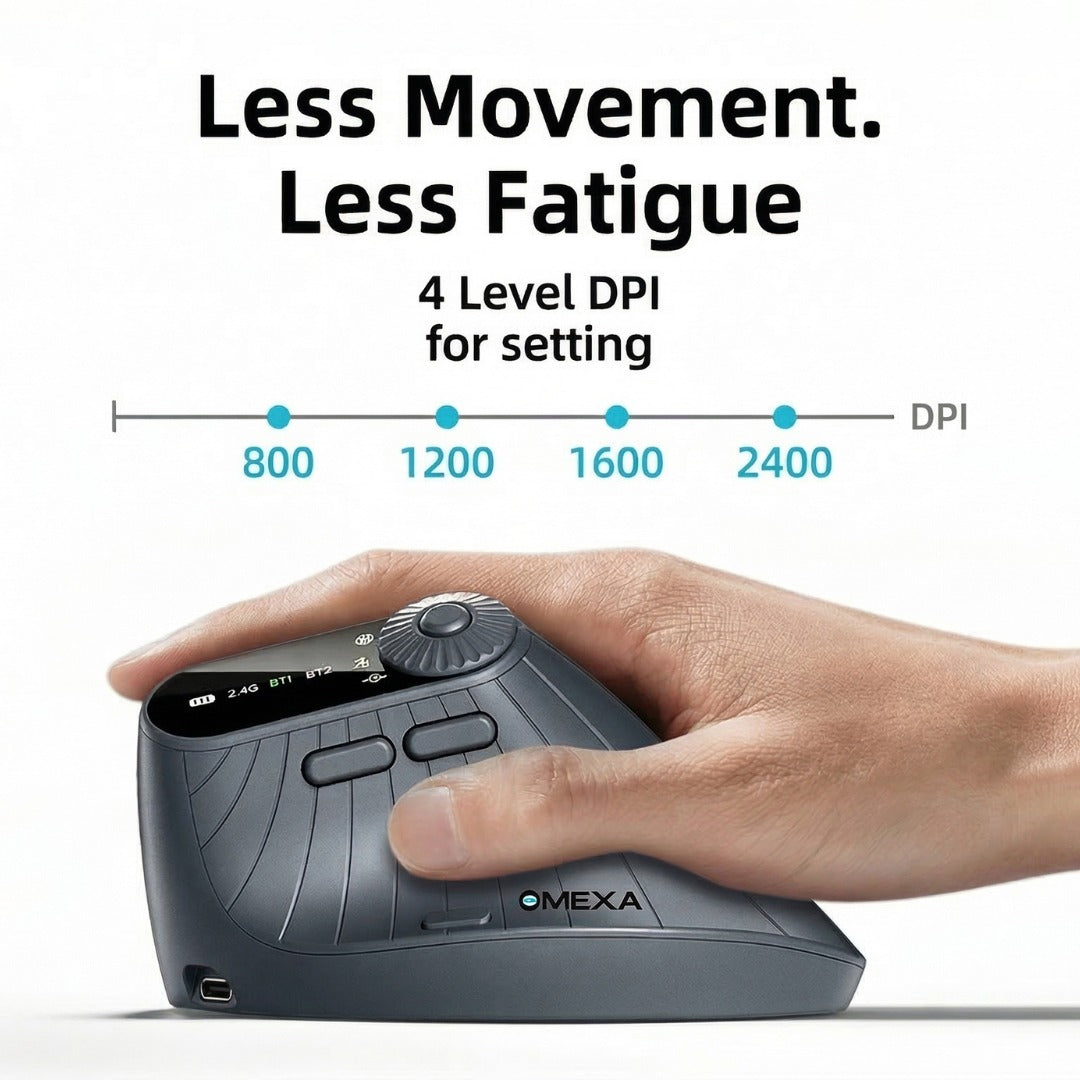
FlowGrip 2.0 is designed with a vertical angle that keeps your hand in a natural handshake position, reducing wrist pressure during long hours of work.
Improved Hand Posture
– Keeps your wrist in a relaxed, neutral position
Less Muscle Strain
– Reduces tension caused by traditional flat mice
All-Day Comfort
– Ideal for long work sessions and daily productivity
✨ Upgrade Your Workspace with Comfort, Precision, and Control ✨

Ergonomic Mouse
Ergonomic vertical mouse designed for natural hand positioning and comfortable daily use.

USB Receiver (Dongle)
2.4GHz USB receiver for stable, plug-and-play wireless connection.

Type-C Charging Cable
Charging cable to keep your mouse powered for everyday work.

User Manual
Quick start guide to help you set up and use the mouse easily.
🔋 Rechargeable Battery That Lasts
-

No Disposable Batteries
Save money & reduce waste
-

Built for Daily Use
Reliable power that keeps up with you
Why FlowGrip 2.0 Stands Out
| FlowGrip 2.0 | Others | |
|---|---|---|
| Wrist Comfort | ||
| Vertical Design | ||
| Silent Clicks | ||
| Device Switching | ||
| Precision Tracking | ||
| Long Comfort |

Impact of Omexa™ FlowGrip 2.0
96%
Users feel less wrist strain and hand fatigue during long hours of work.
94%
Experienced smoother multitasking thanks to the 3-in-1 dial for switching and zooming.
91%
Noted almost no input lag using the Dongle or Bluetooth on presentations.
Results based on customer feedback and post-purchase surveys.
Real People, Real Reviews
GOT QUESTIONS
We've Got Answers!
Will this help with wrist pain?
Will this help with wrist pain?
Yes. The vertical ergonomic design keeps your wrist in a natural position, reducing strain during long hours of use.
Is it difficult to get used to a vertical mouse?
Is it difficult to get used to a vertical mouse?
Most users adapt within 1–3 days. Once you get used to the ergonomic shape, it usually feels more comfortable than a traditional mouse.
Does the mouse work with Mac and Windows?
Does the mouse work with Mac and Windows?
Yes, FlowGrip 2.0 works with Windows, macOS, Android, and many other devices that support Bluetooth or USB receivers.
Can I connect the mouse to multiple devices?
Can I connect the mouse to multiple devices?
Yes, the mouse supports multiple connection modes, allowing you to switch between devices easily.
Do I need to install any software?
Do I need to install any software?
No installation is required. Simply connect via Bluetooth or the USB receiver and start using it instantly.
How do I charge the mouse?
How do I charge the mouse?
You can recharge the mouse using the included USB charging cable.